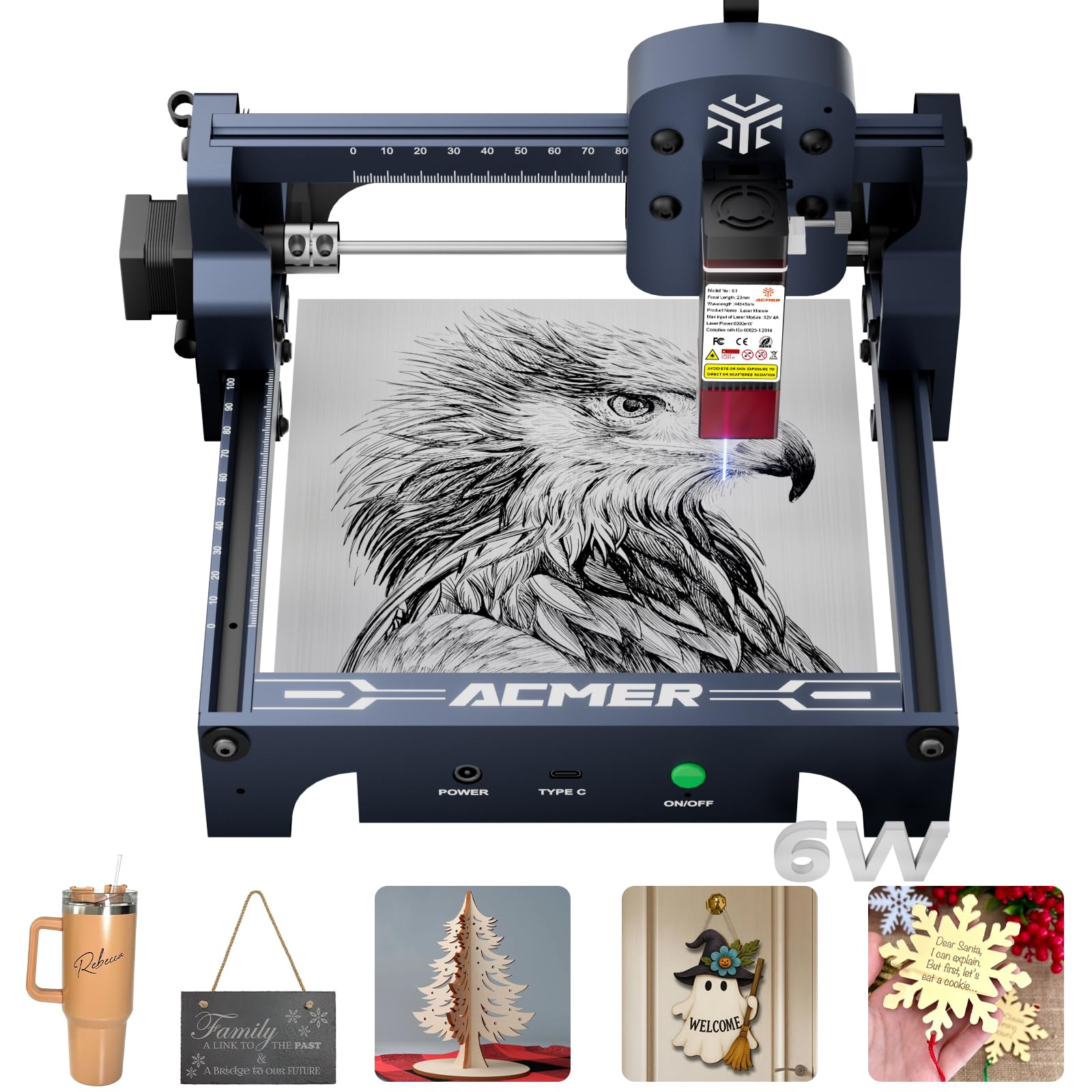
The ACMER S1 is a desktop laser engraver aimed at hobbyists and small-scale makers who want to etch wood, cut thin acrylic, and experiment with laser crafting without spending thousands. With a 6000mW (6W) diode laser, it sits in the entry-level to mid-range bracket, promising reasonable performance on light materials. But how does it hold up in real-world use? Based on specifications and typical user experiences with similar machines, here’s an honest look.
First, what you get: a partially assembled frame, a 6W laser module, a control board, and a pair of safety goggles. The build area is around 400 x 400mm, which is generous for the price and allows for larger signs or multiple small items at once. Assembly takes about 30–45 minutes, and the instructions are adequate but not exceptional. The machine uses a belt-driven gantry system with aluminum extrusions, which is standard at this price point.
In practice, the S1 is best suited for engraving wood, leather, and dark acrylic, and cutting thin materials like 3mm plywood or 2mm acrylic (with multiple passes). It’s not a production machine; expect to run it for an hour or two at a time on small projects. The 6W output is enough for detailed engravings on coasters, keychains, and small signs, but it won’t cut thick materials or work quickly on hardwoods. Users report that engraving a 10x10cm photo on wood takes about 20–30 minutes at typical settings, which is acceptable for hobby use.
One of the standout features is the laser module’s focus adjustment, which is manual but straightforward. The machine also includes a flame sensor and a buzzer for safety, though the sensor can be overly sensitive and trigger false alarms in bright light. The control board supports PWM and TTL signals, and the S1 can be controlled via popular software like LightBurn (paid) or LaserGRBL (free). LightBurn compatibility is a big plus for anyone serious about engraving, as it offers more control over power and speed settings.
However, there are trade-offs. The 6W diode laser is not powerful enough for efficient cutting of thicker materials; you’ll need multiple passes and patience. The machine lacks a built-in enclosure, so you’ll need to set it up in a well-ventilated area and wear the provided goggles—laser safety is non-negotiable. The included goggles are basic and may not fit over prescription glasses comfortably. Also, the S1 does not have auto-focus or a camera for alignment, so you’ll need to manually position your workpiece and focus the laser each time.
Compared to a CO2 laser cutter, the S1 is significantly less powerful and slower, but it’s also far cheaper and more compact. CO2 lasers start around $2,000 and require water cooling and more space, while the S1 can sit on a workbench. On the other hand, compared to other diode lasers in the same price range, the S1’s build area is larger than many competitors, which is a clear advantage. But some rivals offer slightly higher power (e.g., 10W) for similar money, which might be worth considering if cutting is a priority.
Who is this for? The ACMER S1 is suitable for hobbyists, crafters, and small business owners who want to add personalized engravings to wood products, leather goods, or acrylic displays. It’s also a good entry point for someone learning laser software and basic engraving techniques. It is not suitable for those needing to cut thick materials (over 5mm), produce items at scale, or work with metals (unless coated with a marking spray, which is an extra step). It’s also not for anyone unwilling to invest time in learning settings and safety procedures.
In summary, the ACMER S1 delivers what it promises: a budget-friendly diode laser with a decent work area and software compatibility. It has limitations in power and speed, but for small-scale engraving and light cutting, it’s a reasonable choice. Just go in with realistic expectations and prioritize safety.